Float 2 Pro 16" Mobile Pixels Monitor Review
In this new monitor device review, I shall break down the Float 2 Pro 16" monitor from Mobile Pixels for you.
Float 2 Pro 16" Mobile Pixels Monitor Review
If you’re someone who’s constantly on the move but refuses to compromise on productivity, the Float 2 Pro from Mobile Pixels is a game-changer. This 16-inch QHD stackable monitor combines a great design, premium portability, and functionality to transform how you work or game wherever you go.

First Impressions
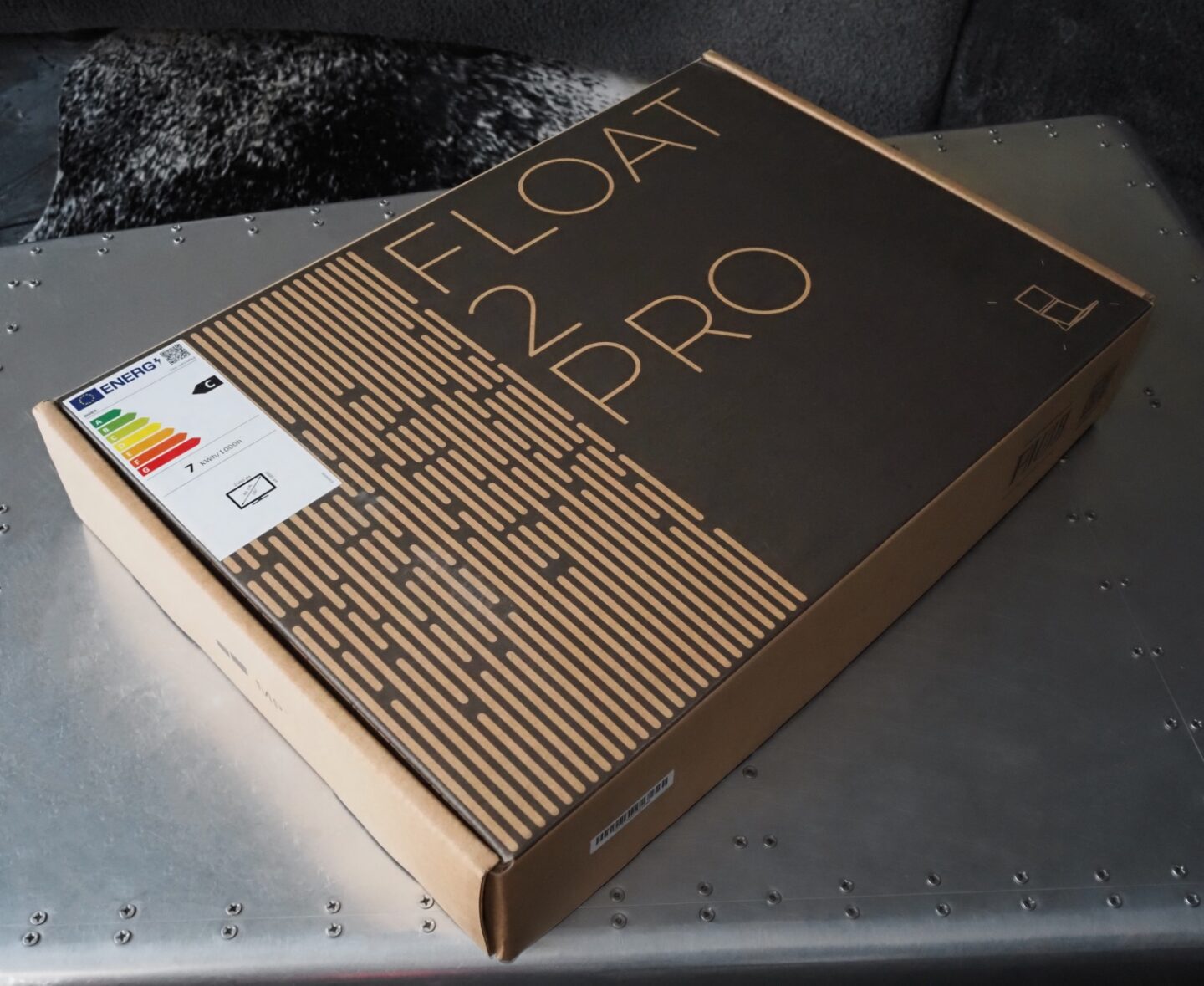
Straight out of the box, the Float 2 Pro's quality and modern minimalism shine through straight away. Packaged securely in a slim, eco-friendly cardboard box, the monitor feels premium without being bulky. Inside, Mobile Pixels provides everything you need to get started: the monitor itself, USB-C and HDMI cables, and a detailed user manual. The subtle branding and the neat layout of the packaging hint at the high level of thought put into the product's modern design.
Performance
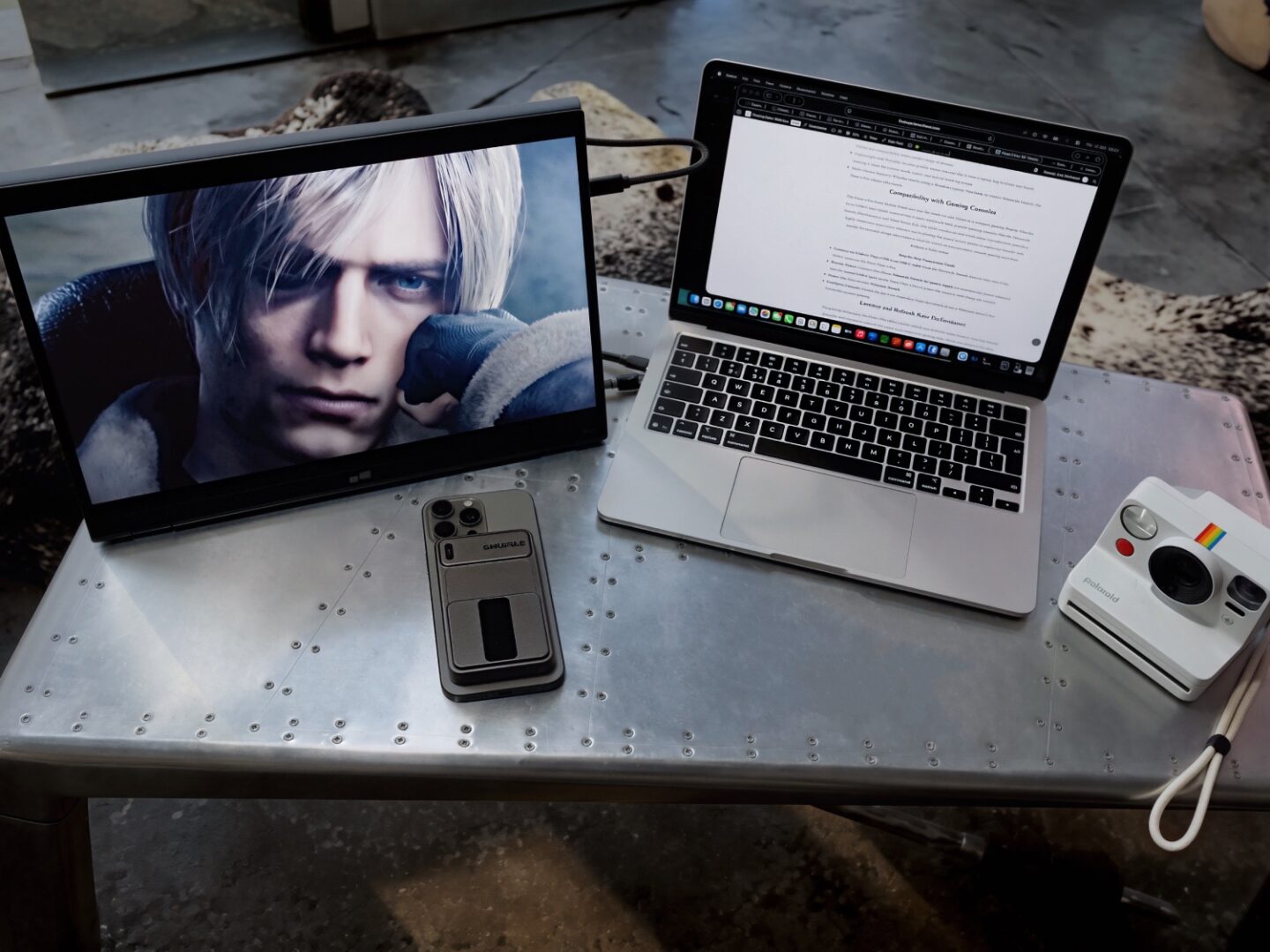
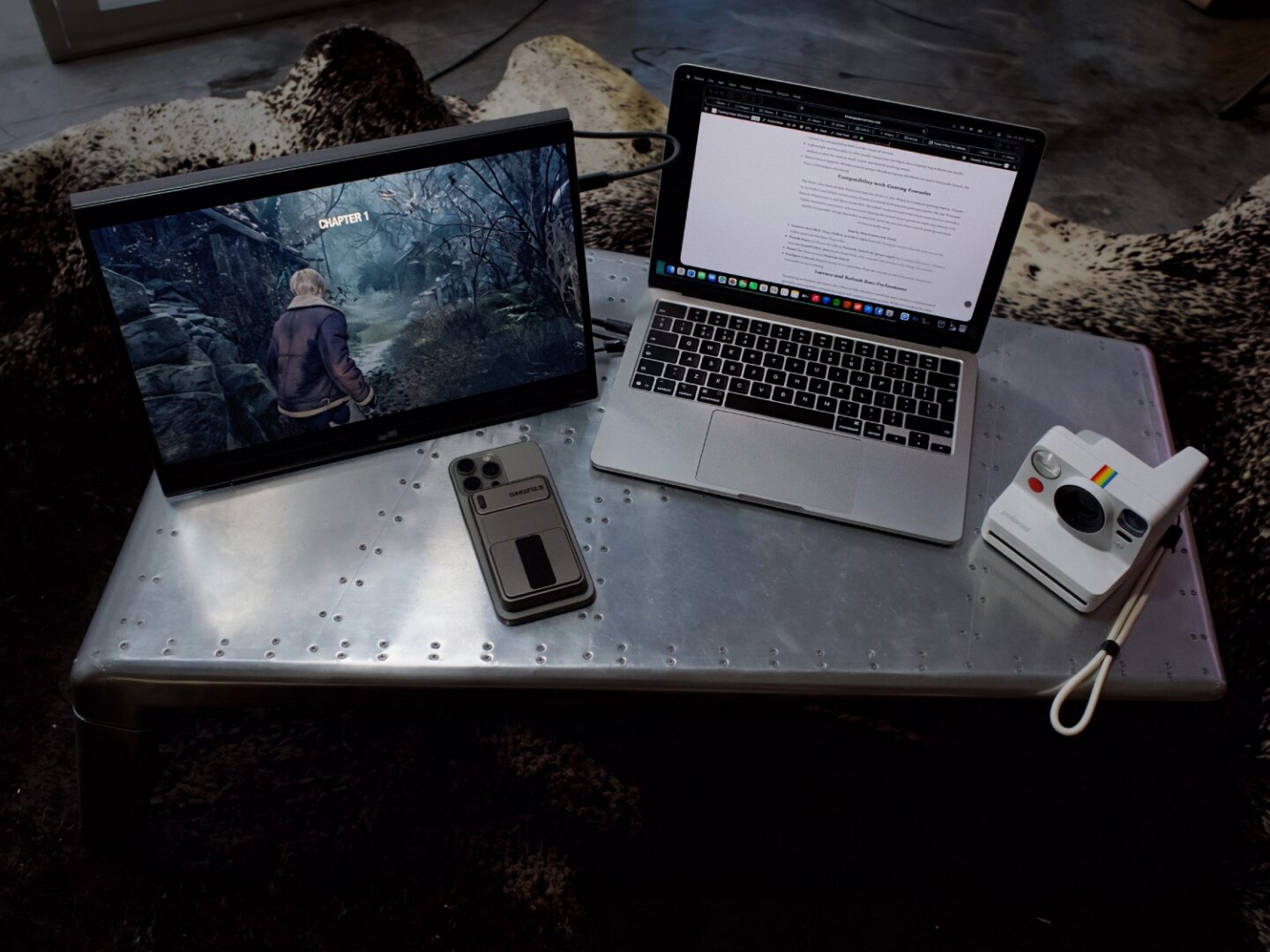
Setting up the Float 2 Pro is impressively simple. A single USB-C cable can power and transmit video to the monitor, removing the headache of juggling multiple cords. Once connected, the monitor comes alive with bright, precise visuals that immediately improve productivity.
For multitaskers, the ability to stack the monitor vertically above your laptop is a revelation. It creates a natural viewing angle, allowing you to dedicate one screen to video calls or reference documents and the other to active work. This arrangement also saves desk space compared to traditional side-by-side dual monitor setups. In terms of performance, the Float 2 Pro handles high-resolution streaming, document editing, and even some light photo and video editing effortlessly. It's QHD resolution ensures you’re not missing out on detail, and colour reproduction is both natural and vibrant.

Key Features
The Float 2 Pro is not just a portable monitor—it’s a productivity powerhouse. Here’s what makes it stand out:
- 16-inch QHD Display (2560x1600): Crisp visuals with vibrant colours and sharp details, perfect for designers, developers, creators, or anyone who works with media.
- Stackable Design: Unlike typical portable monitors, the Float 2 Pro is designed to sit seamlessly above or alongside your laptop screen, creating a dual-display setup that helps you reduce neck strain and improve multitasking.
- Versatile Connectivity: It supports USB-C to USB-C for simplified plug-and-play use, as well as USB-C to HDMI for compatibility with a wider range of devices.
- Lightweight and Portable: Its slim profile means you can slip it into a laptop bag without any hassle, making it ideal for remote work, travel, and hybrid working setups.
- Multi-Device Support: Whether you’re using a Windows laptop, MacBook, or even a Nintendo Switch, the Float 2 Pro adapts effortlessly.

Compatibility with Gaming Consoles
The Float 2 Pro from Mobile Pixels isn’t just for work—it also shines as a compact gaming display. Thanks to it's USB-C and HDMI connectivity, it pairs seamlessly with popular gaming consoles like the Nintendo Switch, PlayStation 5, and Xbox Series X/S. The QHD resolution and vivid colour reproduction provide a highly immersive experience, whether you’re playing fast-paced action games or exploring visually rich worlds. It's portable design also makes it ideal for travel, so you can enjoy console gaming anywhere without a bulky setup.
- Connect via USB-C: Plug a USB-C to USB-C cable from the Nintendo Switch directly into one of the USB-C ports on the Duex Float 2 Pro.
- Provide Power: Connect the official Nintendo Switch AC power supply (or a compatible power adapter) into the second USB-C port on the Duex Float 2 Pro to power the monitor and charge the console.
- Power On: Turn on your Nintendo Switch.
- Configure Controls: Detach the Joy-Con controllers from the console or use a Nintendo Switch Pro Controller to start playing.
Latency and Refresh Rate Performance
For gaming enthusiasts, the Float 2 Pro offers a 60Hz refresh rate with low input latency, ensuring smooth gameplay and responsive controls for casual and competitive gaming alike. While not designed for ultra-high frame rate gaming, the combination of crisp visuals, consistent performance, and minimal lag makes it a great companion for console gaming, streaming, and light PC gaming sessions.

Stacked Mode
One of the standout uses of the Float 2 Pro is it's stacked mode, where the monitor is positioned directly above your laptop screen. This configuration is perfect for multitasking, with the top display handling secondary tasks such as reference material, emails, or video calls, while the main laptop screen is reserved for active work. Stacked mode helps optimise desk space and improves your posture by keeping your gaze slightly elevated.
Presentation Mode
The presentation mode allows the Float 2 Pro to be flipped or angled towards an audience, making it ideal for small meetings or on-the-go presentations. Instead of crowding around a single laptop screen, colleagues or clients can view slides, documents, or media on the external monitor comfortably. This mode enhances collaboration without requiring a cumbersome projector setup.
Free Standing Mode
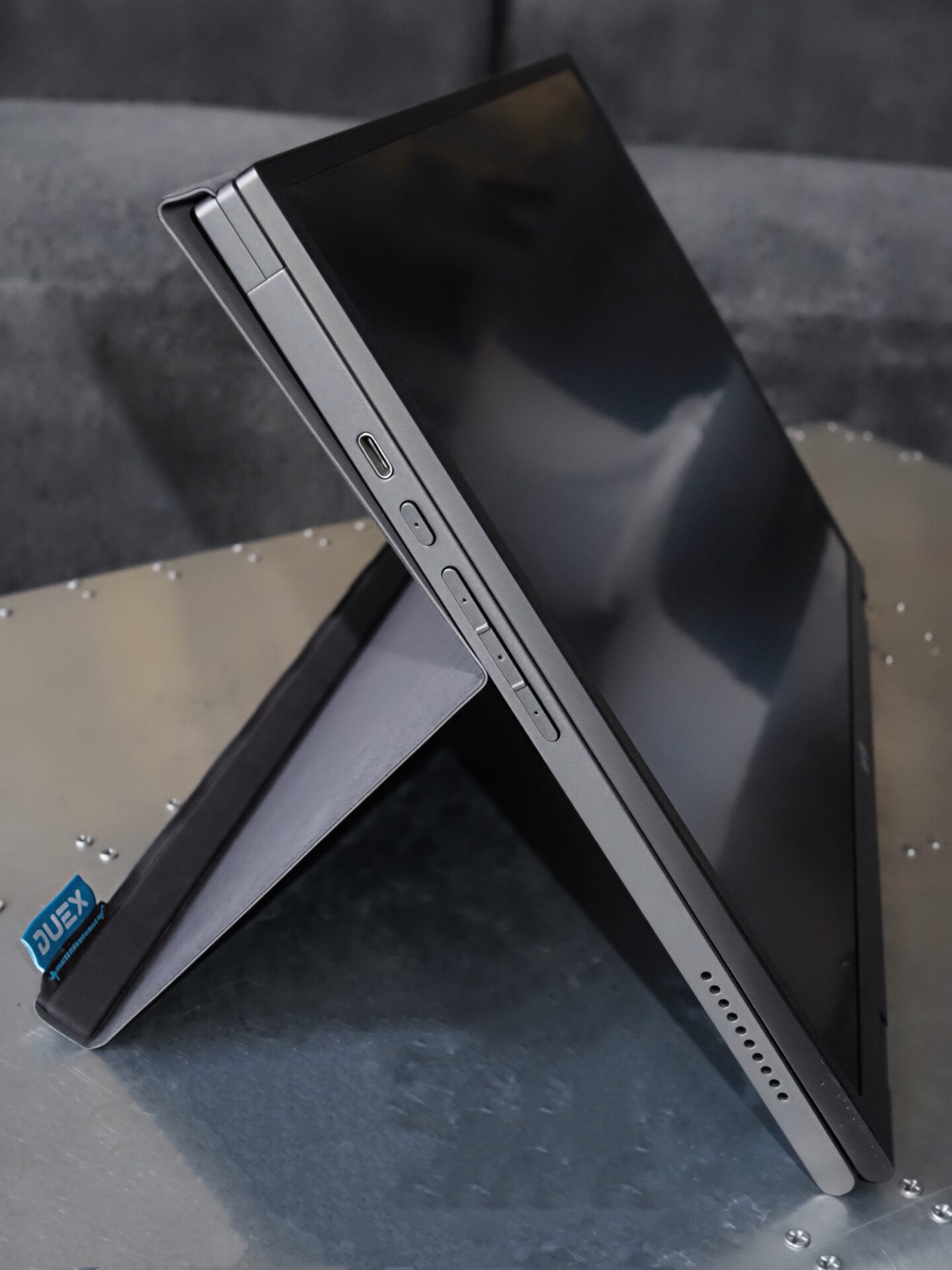
Thanks to it's included stand and thoughtful design, the Float 2 Pro also works brilliantly in free-standing mode. You can place it on any flat surface for a quick dual-display setup, or use it independently as a secondary screen for streaming, media consumption, or gaming. This mode is especially useful in temporary workspaces or hotels, providing flexibility wherever you set up.
Price
The Float 2 Pro is available for £300, offering exceptional value for a premium portable QHD monitor with unique stackable functionality. Occasional discounts and bundle deals with accessories may also be available through Mobile Pixels’ official store and authorised retailers.
Final Say
This Float 2 Pro is a rare blend of practicality, performance, and design that makes it an invaluable companion for anyone seeking to maximise productivity and entertainment on the go. It's stackable design truly sets it apart, while the excellent QHD display ensures that whether you’re working, streaming, or gaming, your experience is both seamless and enjoyable. For those who demand flexibility without compromise, the Float 2 Pro is a compelling investment.
<3